The episode is over, everyone has said goodbye and the file is in the folder. It looks ready to launch. There’s just one detail: no one can listen to it yet.
Choosing a podcast platform gets easier when you separate the tasks: recording, editing, hosting and distribution. Alexandre Nickel, a podcaster, producer and Flamus Creator, explains the process and helps us understand how publishing works.
Podcast recording platforms: where does the editing process begin?
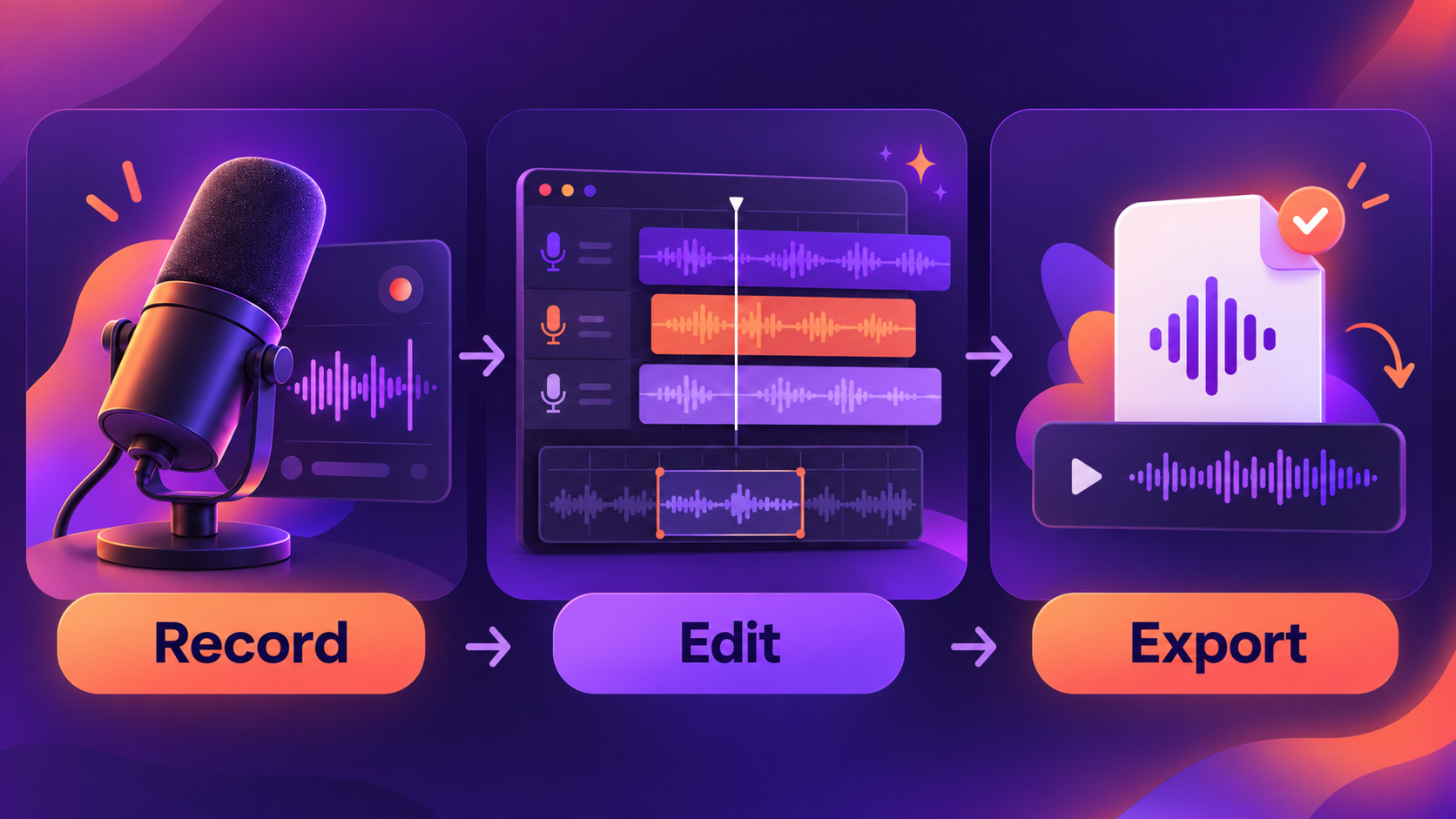
A podcast recording platform captures the conversation. An editor lets you work on that material afterward. Some tools do both, but check what’s included: it’s frustrating to pay for a plan and discover, after recording the episode, that it doesn’t give you the file you need.
Riverside and StreamYard: options for remote recording
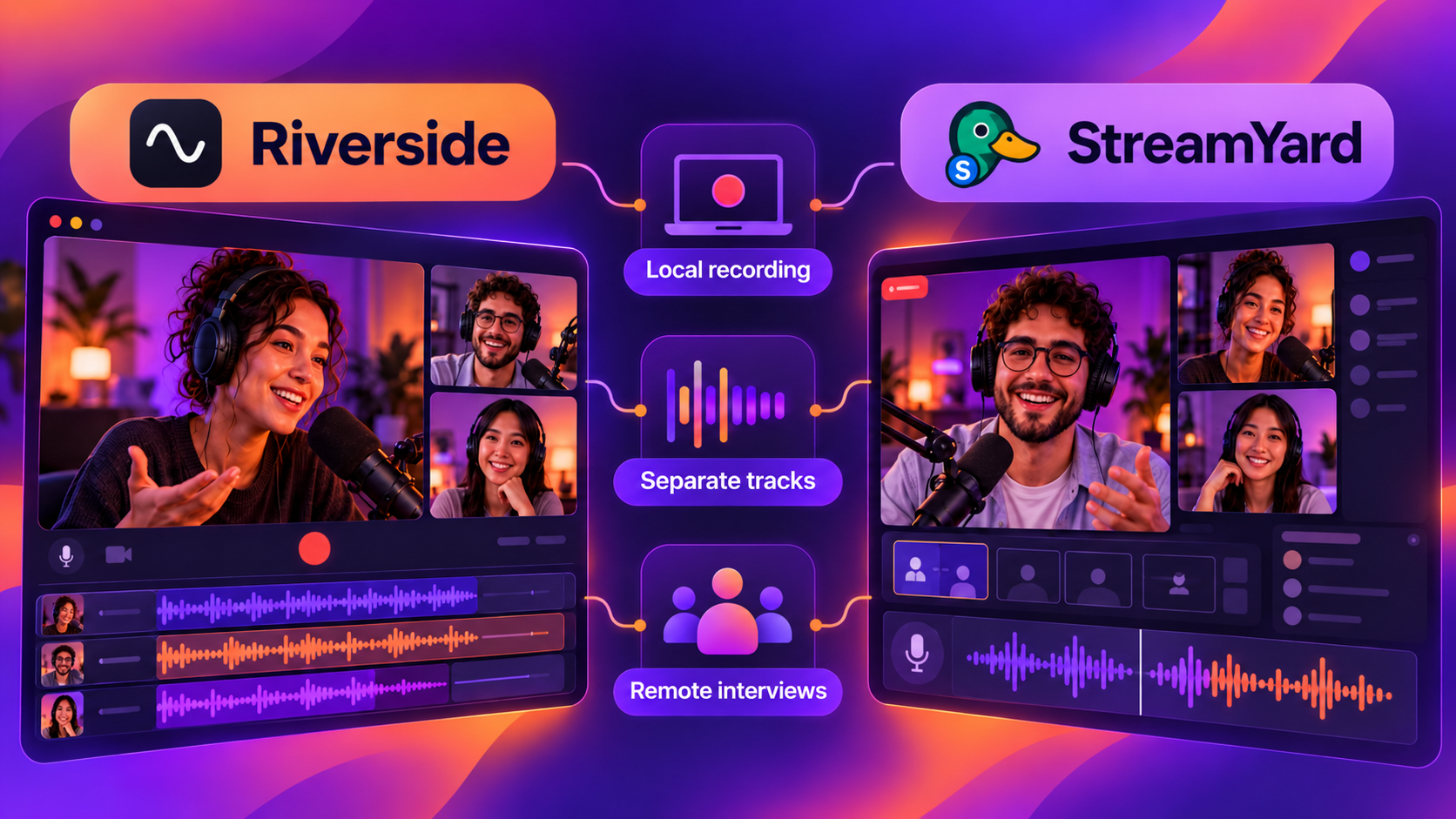
Riverside and StreamYard are options for remote interviews. Before choosing, check how each plan records and exports files, and whether it gives you a separate track for each participant. When one voice is quiet and the other is loud, separate audio tracks make adjustments easier.
How do you edit a podcast before publishing?
Start by listening to the conversation. Cut mistakes, repetitions and sections that make the episode drag. Then smooth the transitions between cuts and adjust each voice’s volume. Tools such as equalization and compression help fine-tune the sound, but editing starts with what you want people to hear.
Listen to the result through headphones and your phone’s speaker, too. Can you follow what’s being said without constantly adjusting the volume? Nickel offers a warning worth keeping in mind during that test: editing can’t fix every problem in a poorly captured recording.
DaVinci Resolve and other editing tools
DaVinci Resolve offers a free version with audio and video tools. Audacity is a free alternative for audio; Logic Pro is another option, geared toward the Apple ecosystem. Choose based on your show’s format and the time you have to edit.
Podcast platforms: where should you host and distribute your episodes?
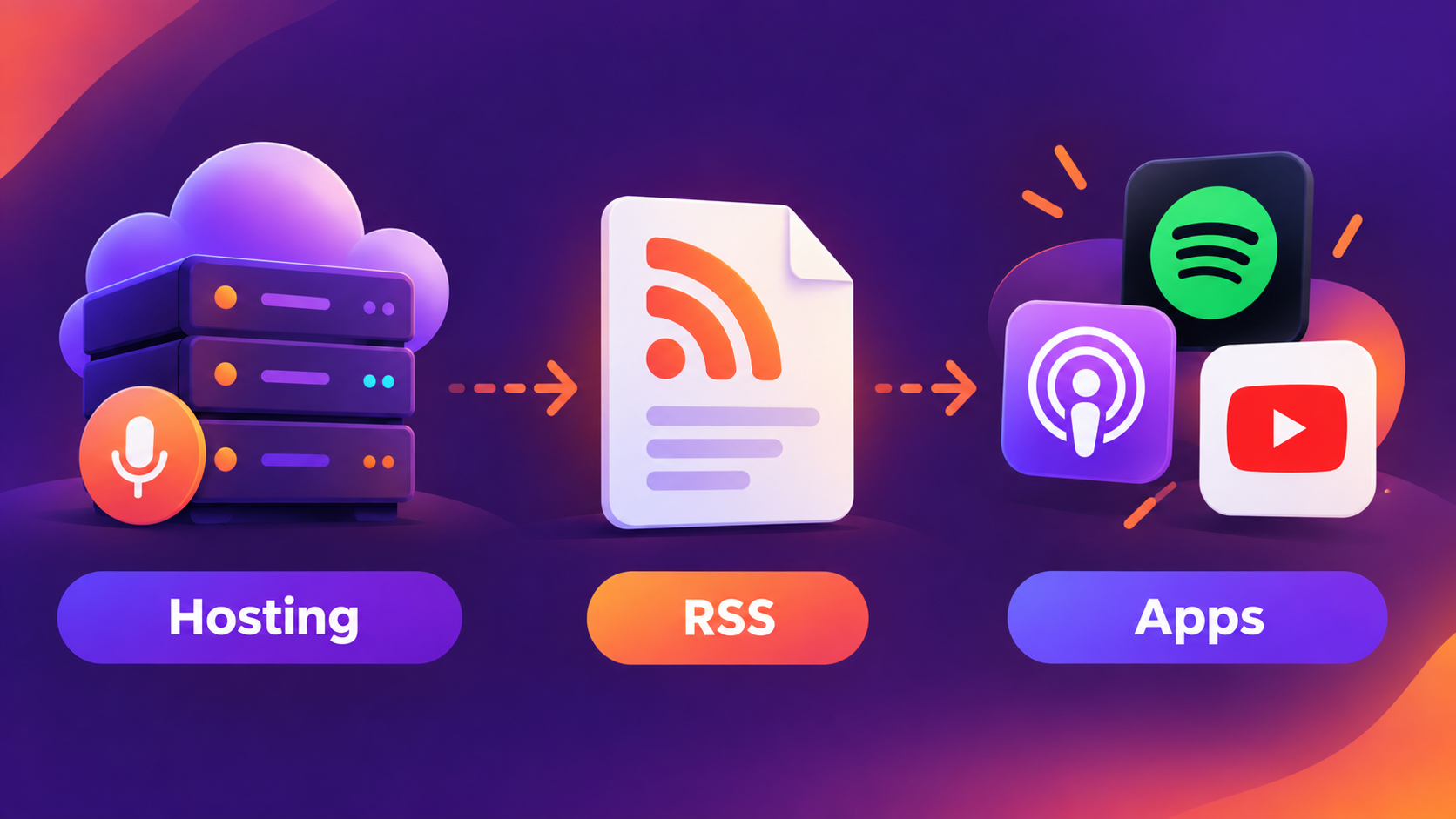
Your hosting service stores the episode files. The RSS feed brings together information about the show, such as cover art, titles, descriptions and audio links. This is the address you use to submit your podcast to listening apps. After submitting it, check that the episodes appear correctly in the apps.
Before signing up for a podcast platform, look at the cost and what the plan offers: RSS access, statistics and support. Check how migration works, too. If you need to switch services later, you’ll want to take your catalog with you.
Podcast platforms: which options should you explore before publishing?
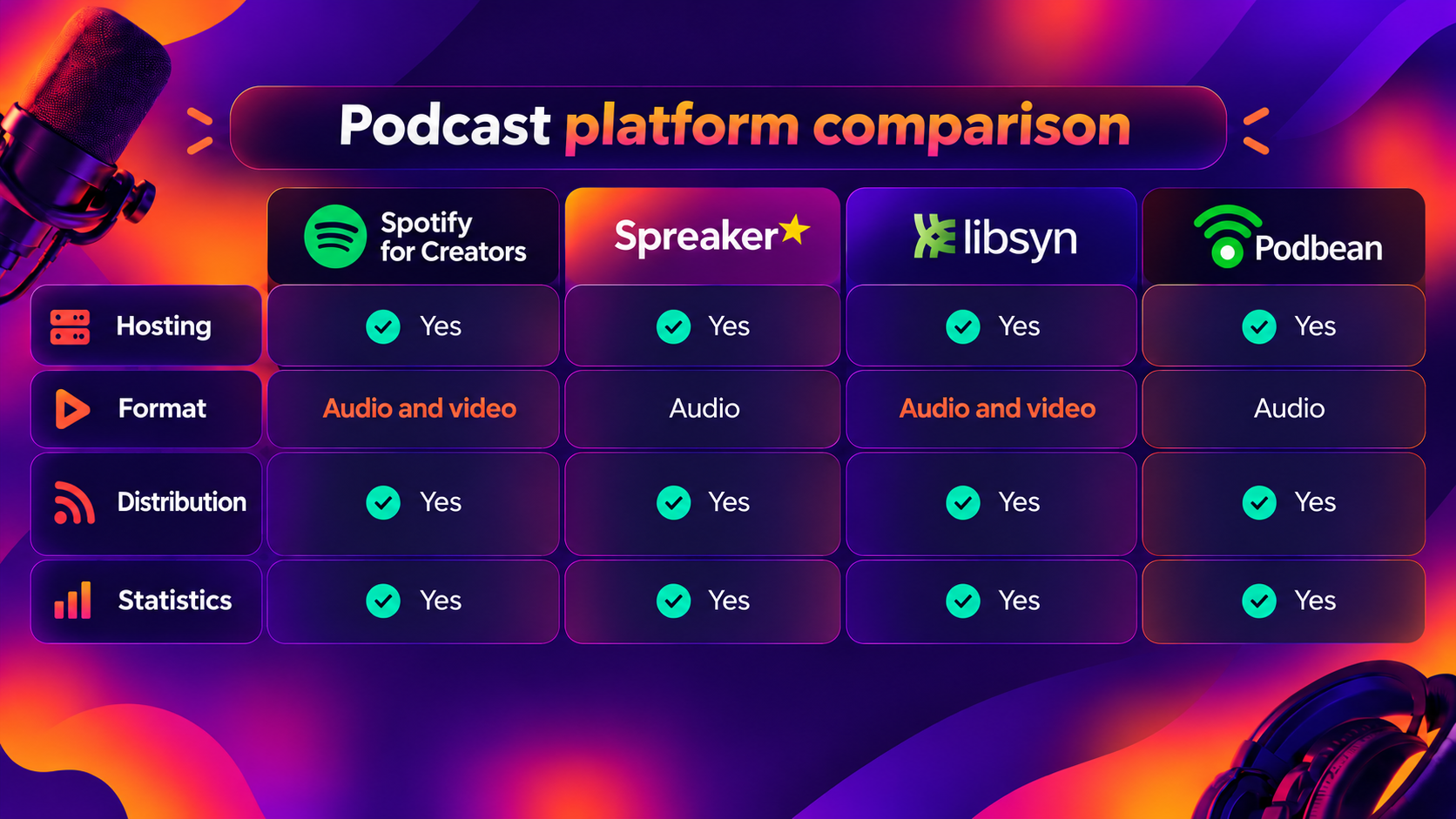
Spotify for Creators: lets you host audio and video on Spotify. To distribute the audio to other apps, enable RSS and submit the show to each service.
Spreaker: combines hosting, distribution tools, statistics and monetization. Check which features each plan includes.
Libsyn: combines audio and video hosting, distribution to apps such as Spotify, Apple Podcasts and YouTube, statistics and monetization tools. It also lets you publish videocasts directly on Spotify, depending on your plan.
Podbean: a hosting alternative with distribution and metrics features. Check storage limits and migration options.
Spotify, Apple Podcasts and YouTube: where do episodes reach your audience?
On Apple Podcasts, you can submit your show via RSS. On YouTube, RSS submission is available in Brazil and turns audio episodes into videos with a static image. YouTube can also bring your show to people who don’t usually use traditional podcast apps.
How do you choose a podcast platform and organize publishing?
Before publishing, listen to the exported file and check the cover art, title, description, category and show details. Set up the feed and open the episode in the apps to make sure everything is right. And check which email address is registered: when you enable RSS on Spotify, that address becomes public.
Keep the original files and track where people listen to your show. Publishing across several channels helps with discovery. Then the data gives you clues about where it’s worth focusing your time.
After publishing, keep the conversation going
Choosing where to host and distribute your podcast matters if you want your content to reach the right people. But the work doesn’t end when the episode appears in the apps. You also need to think about what happens after someone presses play: how to encourage participation, listen to your audience and create a safe space to continue the conversations that started during recording.
A good conversation can lead to comments, questions, new episode ideas and even a community interested in following what happens away from the microphone.
On Flamus, you can bring together people who want to be closer to your work, share behind-the-scenes and exclusive content, and create new possibilities for connection and support for your podcast. After all, finding where to publish is just as important as giving people reasons to stick around. Discover Flamus.